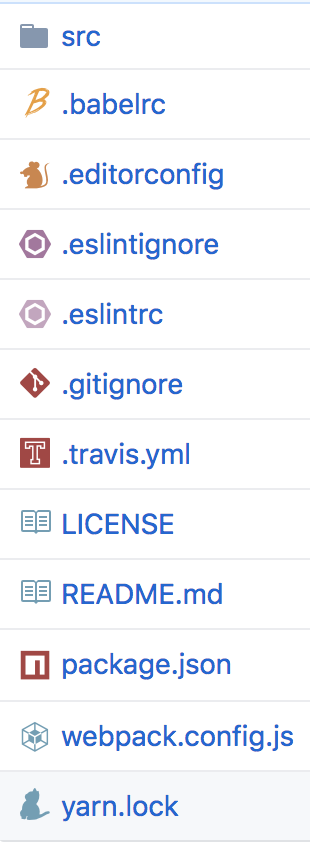


Inspired by file-icons/atom
A simple browser tool changes file's icon on GitHub, GitLab, gitea and gogs.


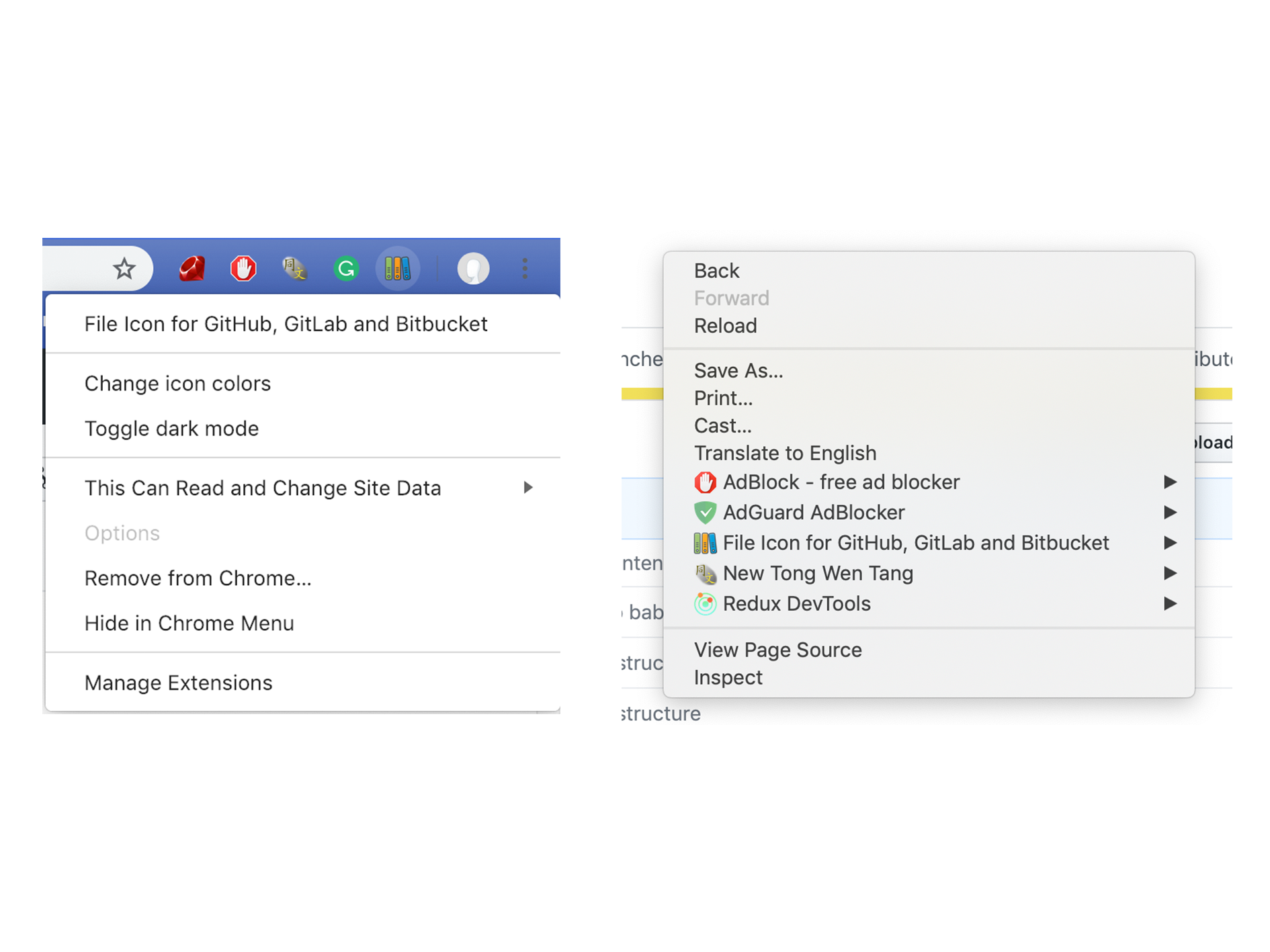
Right click on any space on the page or the extension's icon to open the menu.
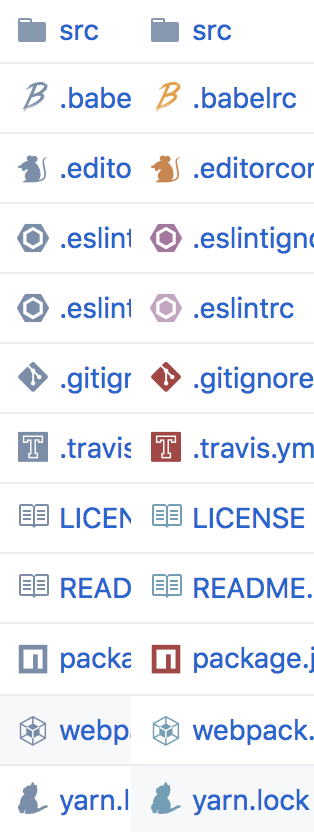
Change icon's color between colorful and monochrome.
Make icons brighter and more readable on GitHub dark theme.

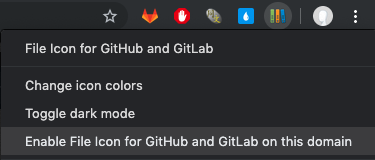
Navigate to your self-hosted Git site. Right click on the extension's icon in the browser bar and click "Enable File Icon for GitHub and GitLab on this domain".
MIT © xxhomey19