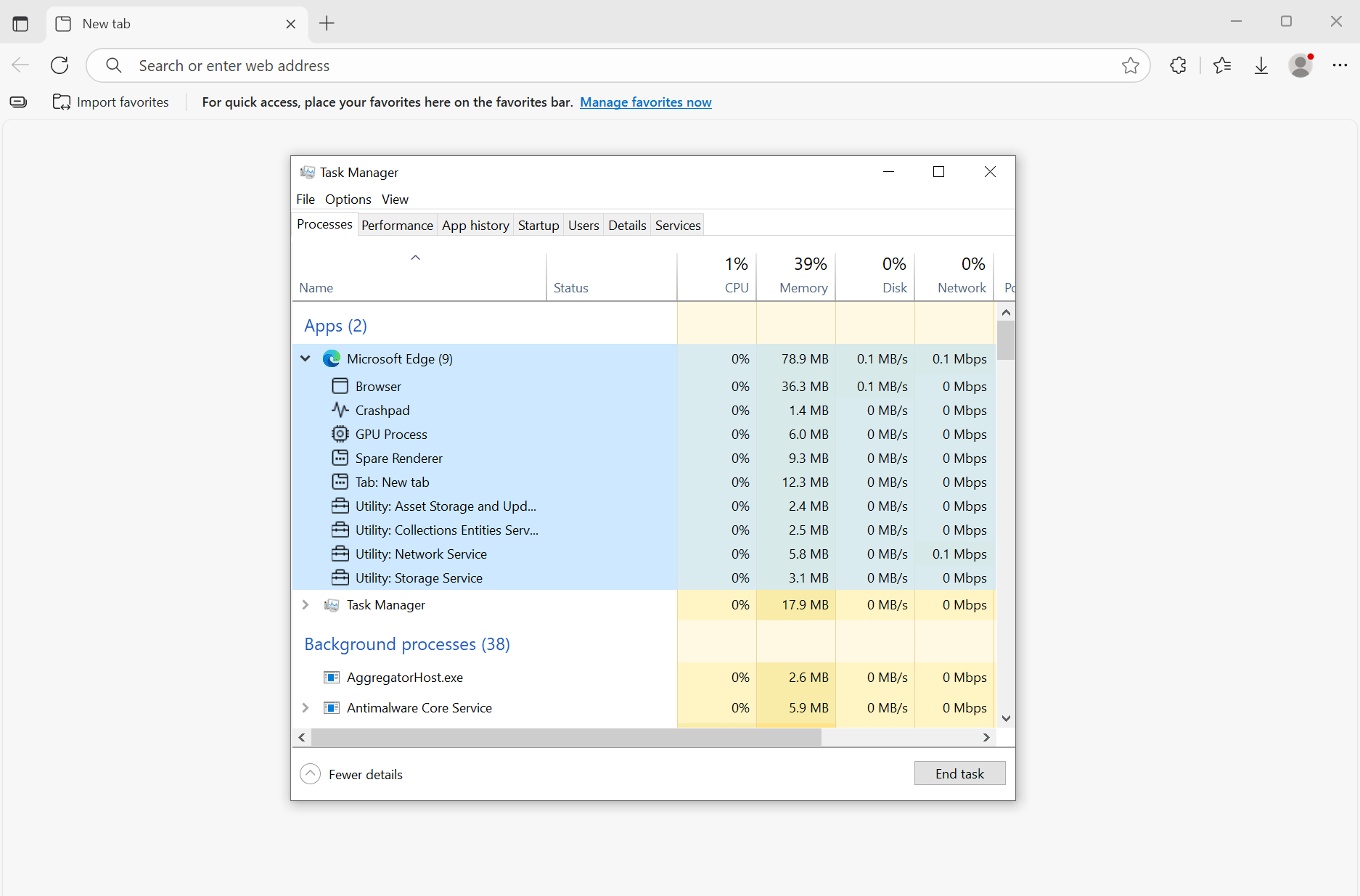
Note: This guide helps you install, optimize, and completely disable updates for Microsoft Edge, while preserving essential functions like sync, extensions, and security settings.
-
Automatically and silently installs the latest version of Microsoft Edge (Stable, Beta, Dev, or Canary)
-
Completely disables all Microsoft Edge updates and removes unnecessary files
-
Applies registry tweaks to remove unnecessary features from Edge while retaining essential functionalities:
- Data Sync
- Auto Page Translate
- Favorites Bar
- Manifest V2 Extension Support
- DNS over HTTPS (DoH)
- Google Search
- Automatic HTTPS
- Performance: sleeping tabs discard inactive tabs after 15 minutes to save RAM
Edge Channel Overview (08/2025 – Actual)
| Channel | Update Frequency (current) | Stability | Intended For |
|---|---|---|---|
| Stable | Every ~5–6 days | ★★★★☆ | General users, maximum reliability, rapid security fixes |
| Beta | Every ~5–6 days | ★★★☆☆ | Users who want to try upcoming features with fewer bugs |
| Dev | Every ~7–8 days | ★★☆☆☆ | Developers and testers who want early features |
| Canary | Daily | ★☆☆☆☆ | Enthusiasts who want the newest features immediately |
The Stable channel is the official, fully-tested release of Microsoft Edge, updated every four weeks for maximum reliability.
Run the command below in PowerShell with Administrator privileges:
irm https://go.bibica.net/edge | iexThe Beta channel is a more stable preview of Microsoft Edge, updated every four weeks, offering upcoming features with fewer bugs.
Run the command below in PowerShell with Administrator privileges:
$env:EDGE_CHANNEL='beta'; irm https://go.bibica.net/edge | iexThe Dev channel is an early-access version of Microsoft Edge, updated weekly with new features and improvements for testing.
Run the command below in PowerShell with Administrator privileges:
$env:EDGE_CHANNEL='dev'; irm https://go.bibica.net/edge | iexThe Canary channel is the most cutting-edge and frequently updated version of Microsoft Edge, receiving new features and changes daily.
Run the command below in PowerShell with Administrator privileges:
$env:EDGE_CHANNEL='canary'; irm https://go.bibica.net/edge | iexThis script removes all installed versions of Microsoft Edge (Stable, Beta, Dev, and Canary) from your system, but keeps your User Data folder and Microsoft Edge WebView2 Runtime, so that bookmarks, history, settings, and apps depending on WebView2 continue to work.
Run the command below in PowerShell with Administrator privileges:
irm https://go.bibica.net/remove_edge | iexIf you only want to apply the tweaks without installing or disabling updates, you can:
- Download the
microsoft-edge-debloatertool from here - Extract the downloaded archive.
- Run the
vi.edge.regfile to apply the registry settings. - Restart Microsoft Edge by entering
edge://restartin the address bar.
If you want to enable/disable more features based on your personal preferences:
-
Open the
vi.edge.regfile (from themicrosoft-edge-debloaterpackage) in a text editor. -
Comment out lines you don’t want to apply by adding a semicolon
;at the beginning of the line, or delete them. -
To apply changes:
- Run
vi.edge.regagain to apply the new configuration.
- Run
| Purpose | URL |
|---|---|
| View applied policies | edge://policy/ |
| Check Edge version info | edge://version/ |
This debloater configuration is based on and modified from the following open-source projects:
Thank you to these creators for their contributions and insights into optimizing Microsoft Edge.
